Transform Your
Restaurant Menu
Into a QR Experience
Create beautiful QR menus and update them
instantly from anywhere.
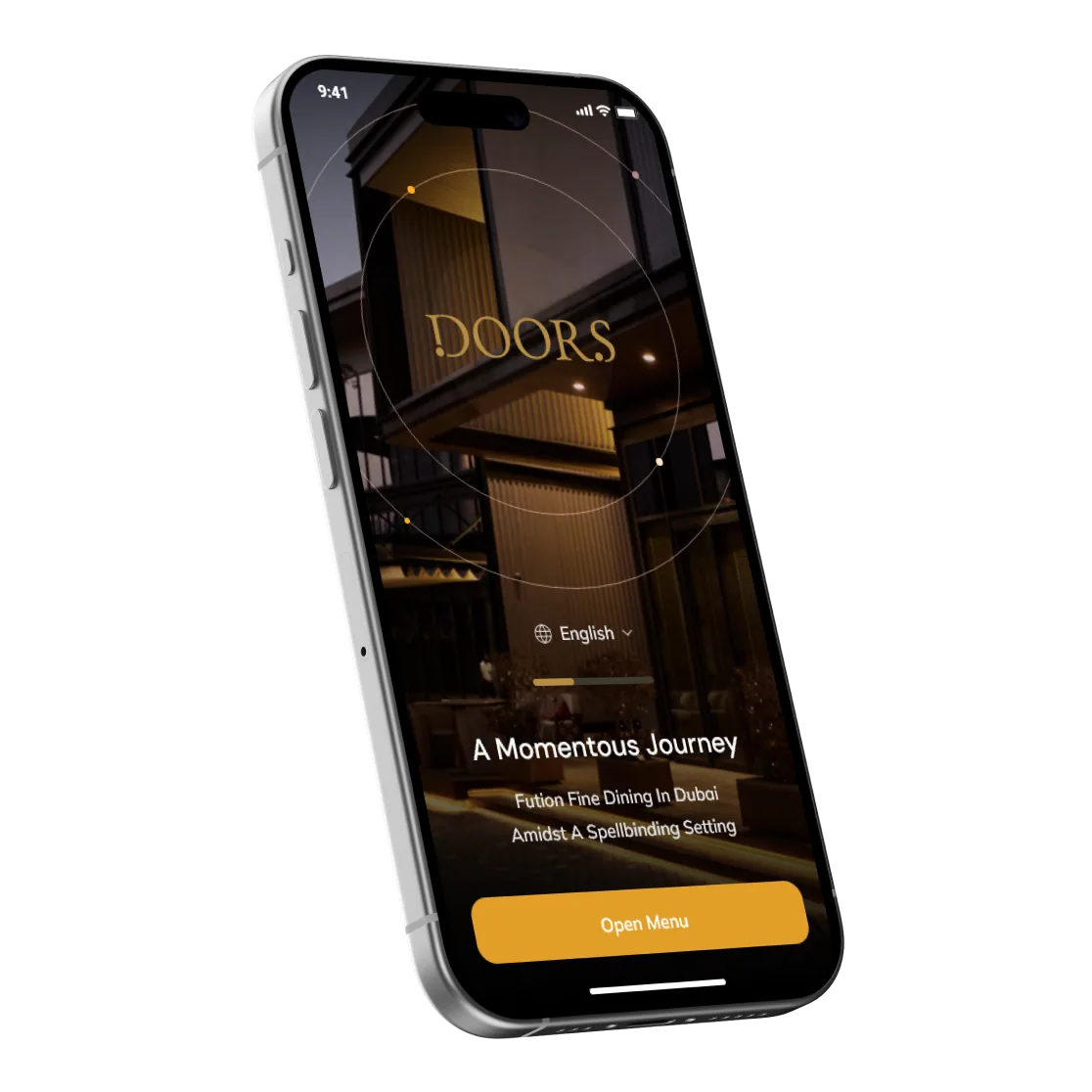
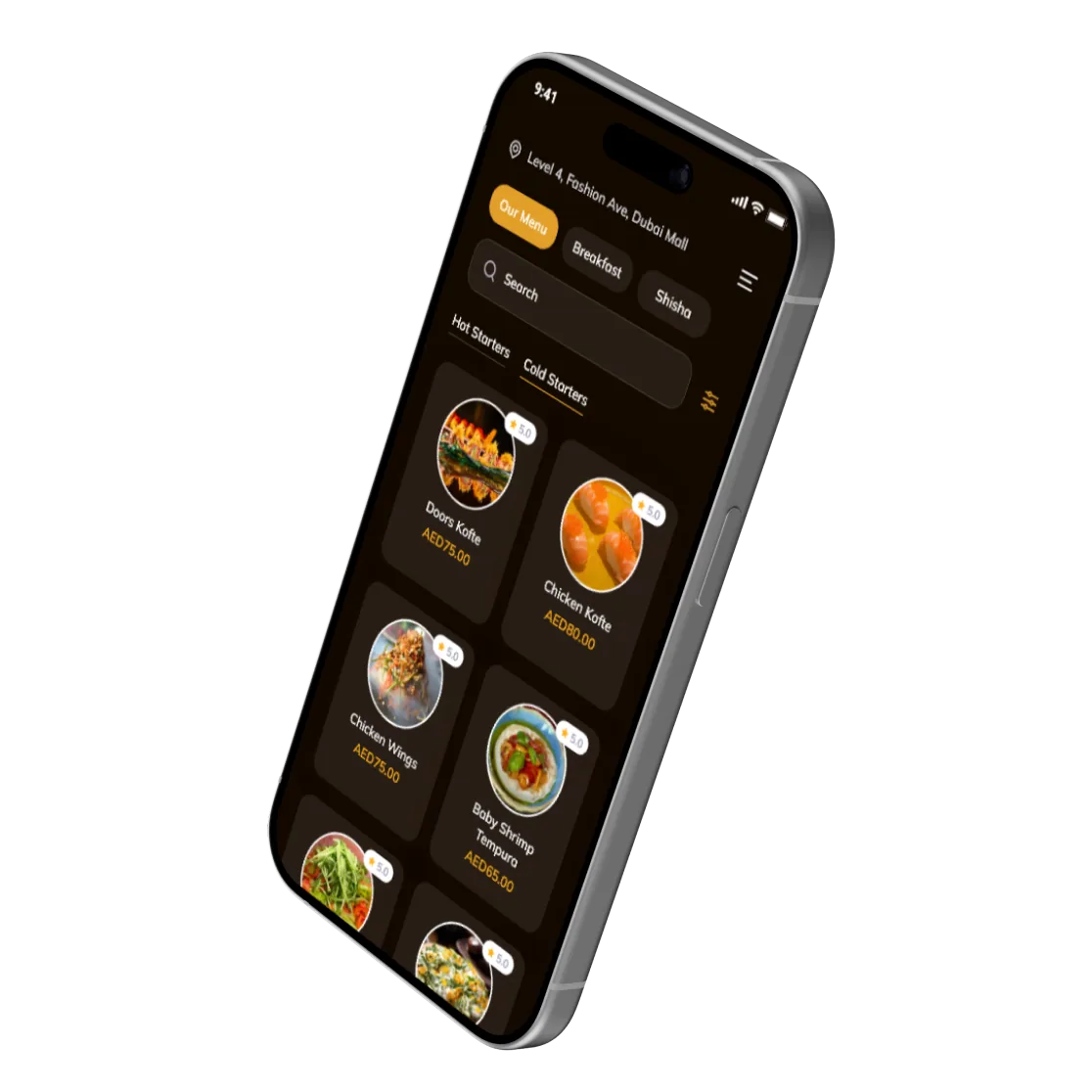
Get Your Menu Online In
3 Simple Steps
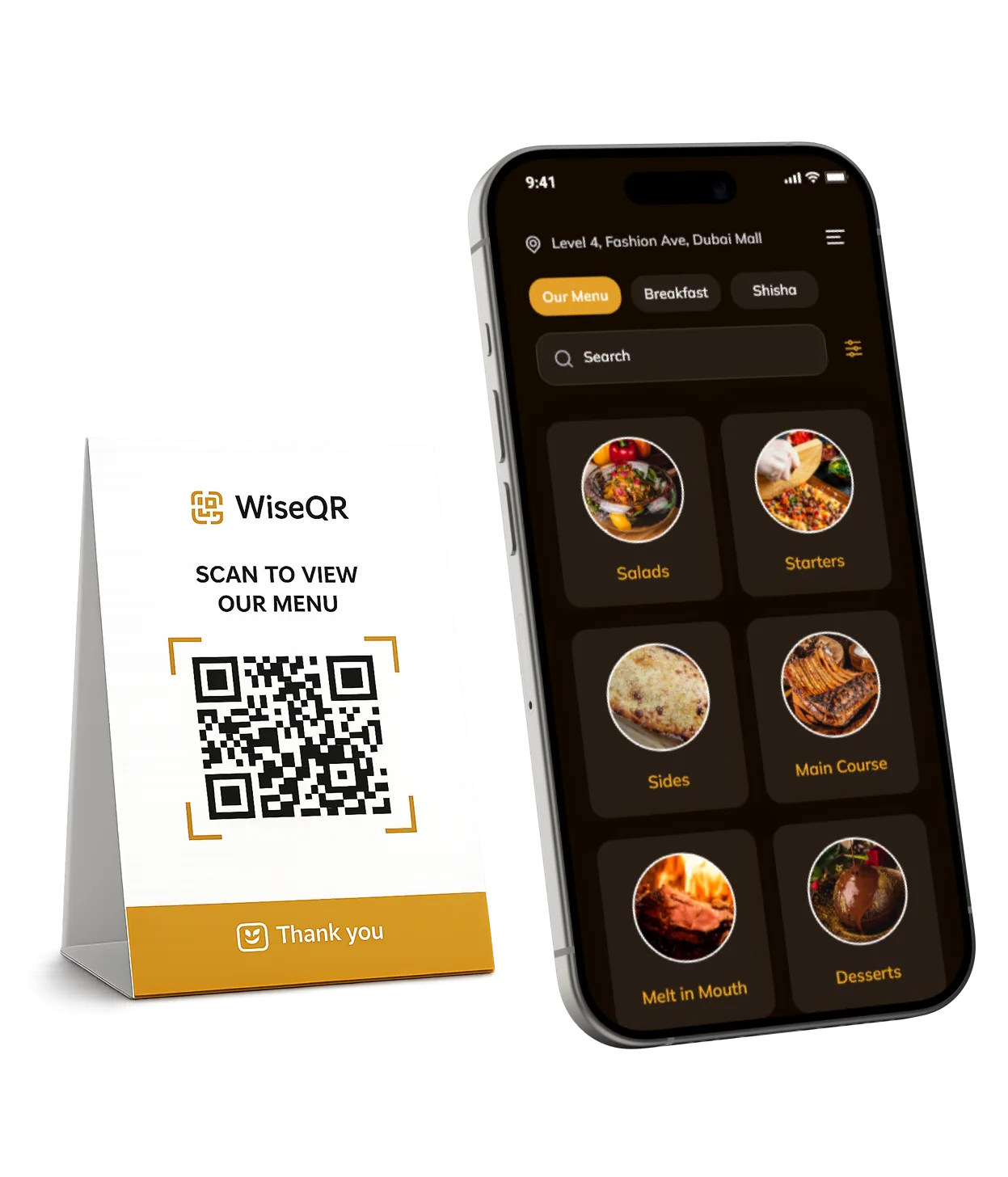

Create Your Menu
Add categories, dishes, prices, photos, and descriptions in minutes.


Generate Your QR Code
Your unique QR code is created automatically and ready to print.


Customers Scan & Browse
Guests scan the code and instantly access your menu on their phone.
A Menu That Looks
Amazing On Every Device
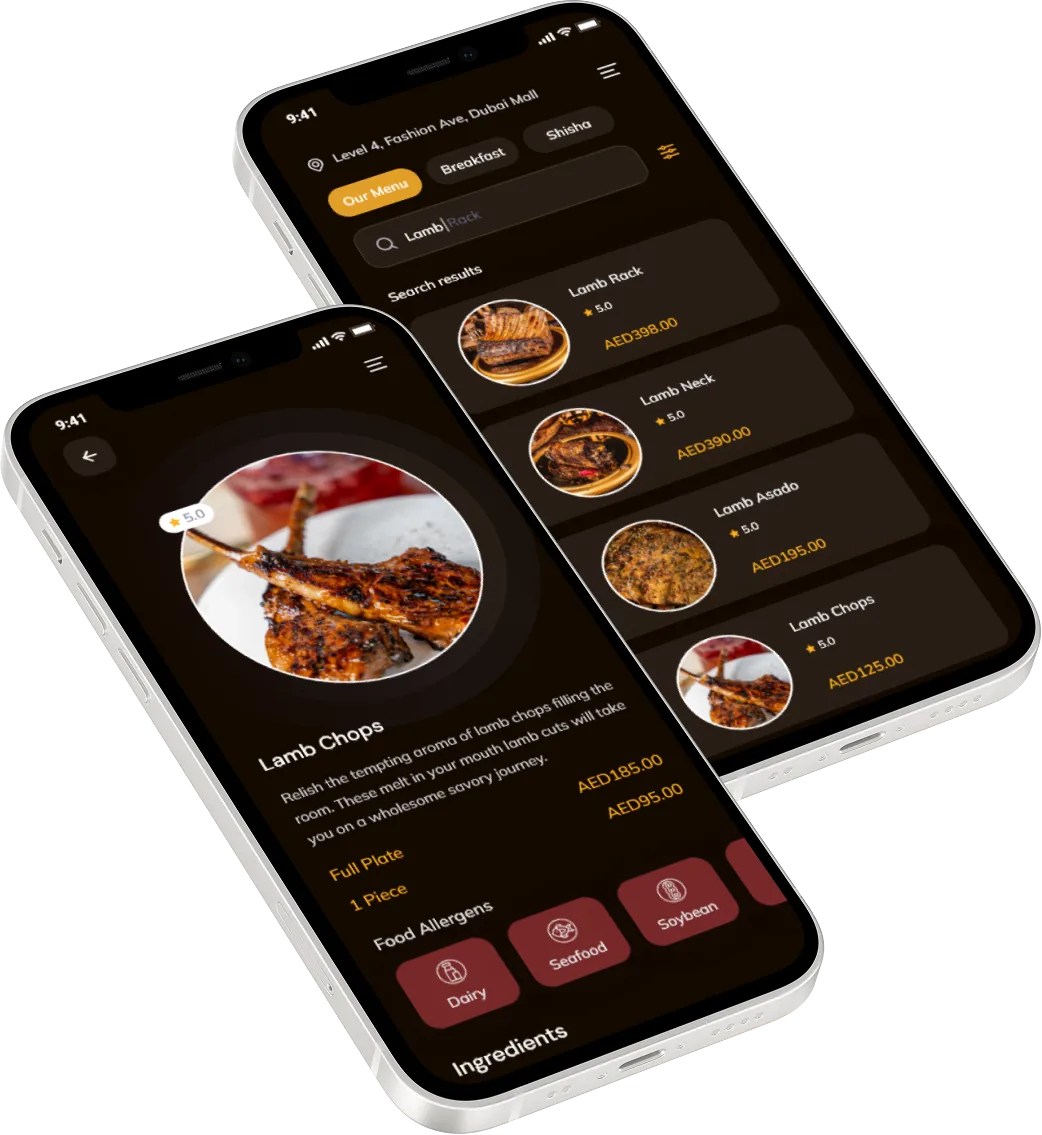
Deliver a premium digital experience whether your guests are browsing from an iPhone, Android, tablet, or desktop.
- Mobile Optimized
- Lightning Fast Loading
- Easy Navigation
- Premium Design
- No App Download Required
More Than Just A QR Menu

Save Time
Make updates instantly without reprinting menus.

Reduce Costs
Eliminate printing expenses and menu replacement costs.

Improve Guest Experience
Provide faster access to menu information and photos.

Increase Sales
Highlight specials and best-selling items to boost revenue.

Frequently Asked Questions
No. Customers simply scan your QR code and view your menu instantly in their browser. No app installation is required.
Most restaurants can have their digital menu ready within a day. Our team will guide you through the setup process and help you get started quickly.
Yes. You can update menu items, prices, descriptions, photos, and categories at any time. Changes are published instantly without reprinting menus.
Absolutely. Showcase your dishes with high-quality photos, detailed descriptions, pricing, allergens, and category organization to create a better dining experience.
Simply submit a request through our website and our team will contact you to help set up your digital menu and answer any questions you may have.